VoxMorph
VoxMorph turns any voice, straight from your microphone or from an audio or video file, into another voice, ready to use as a voice-over on your videos.

One-time purchase
About VoxMorph
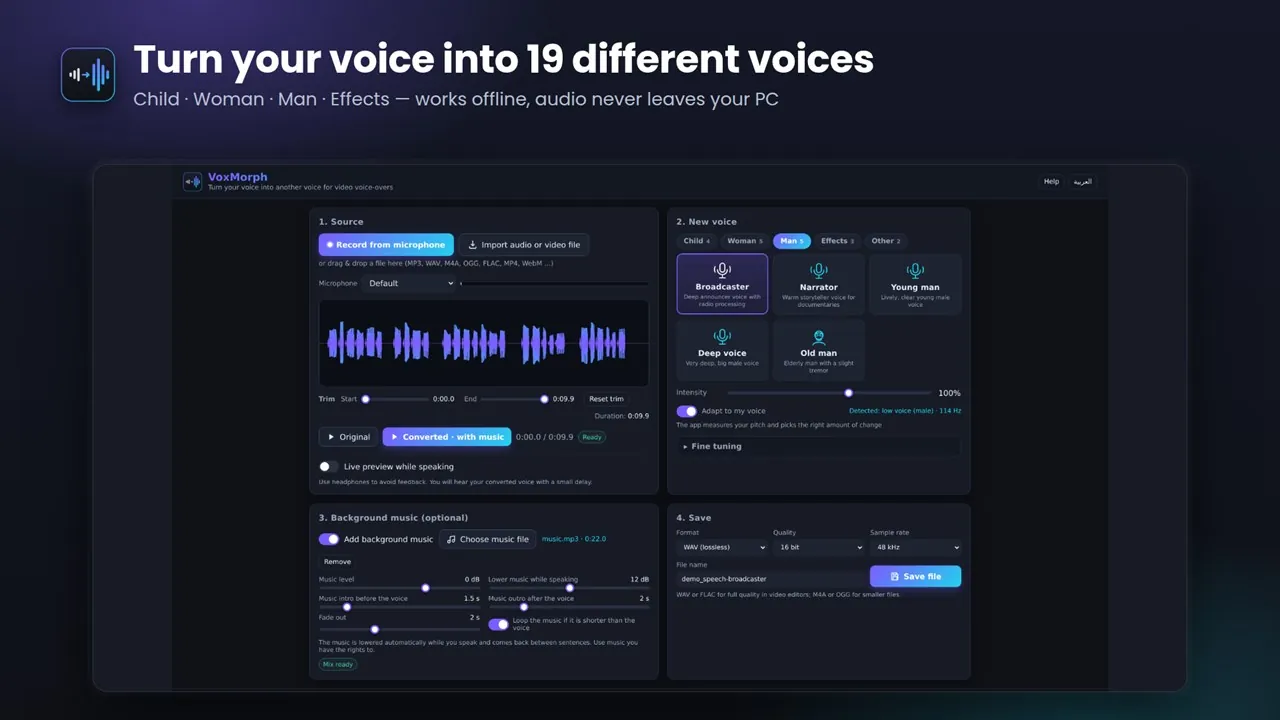
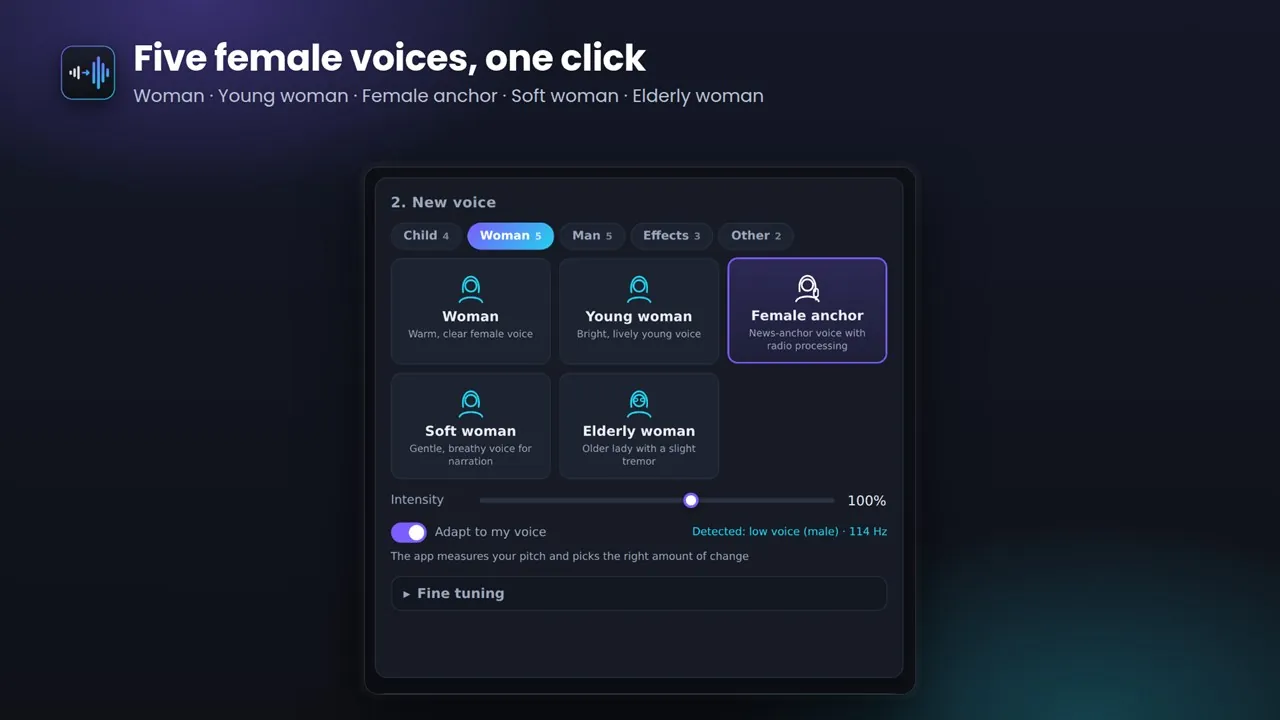
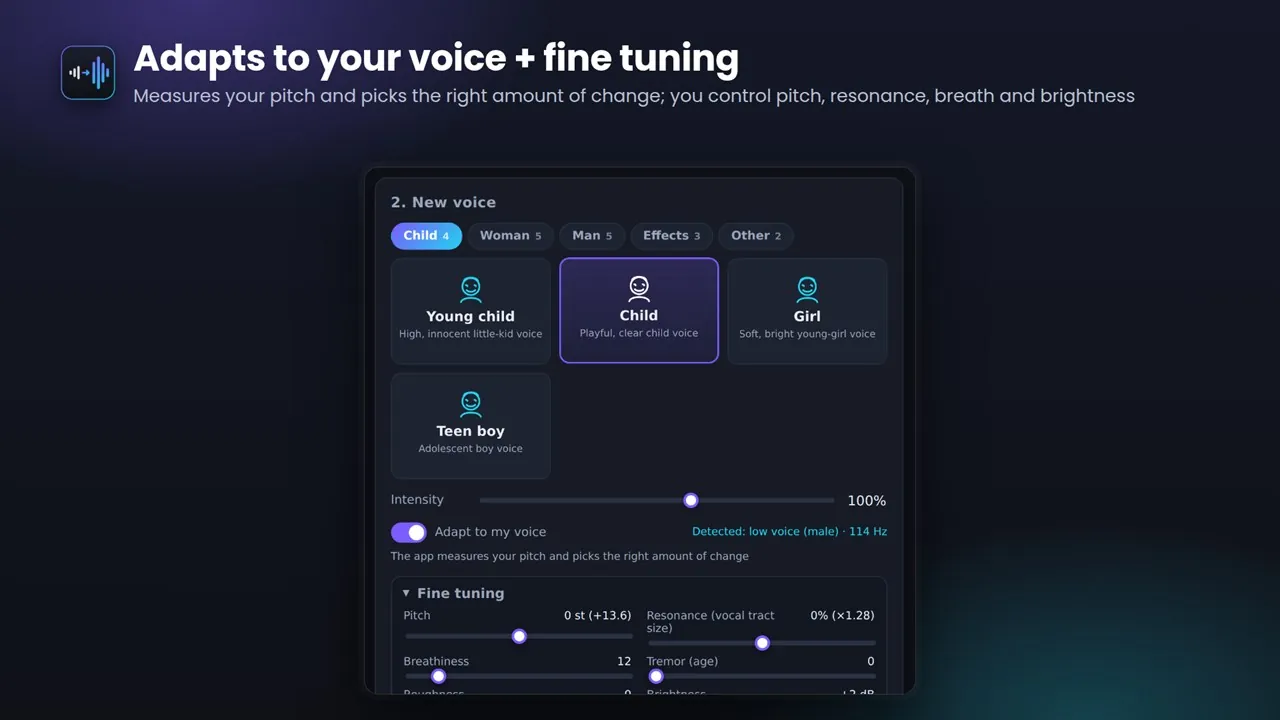
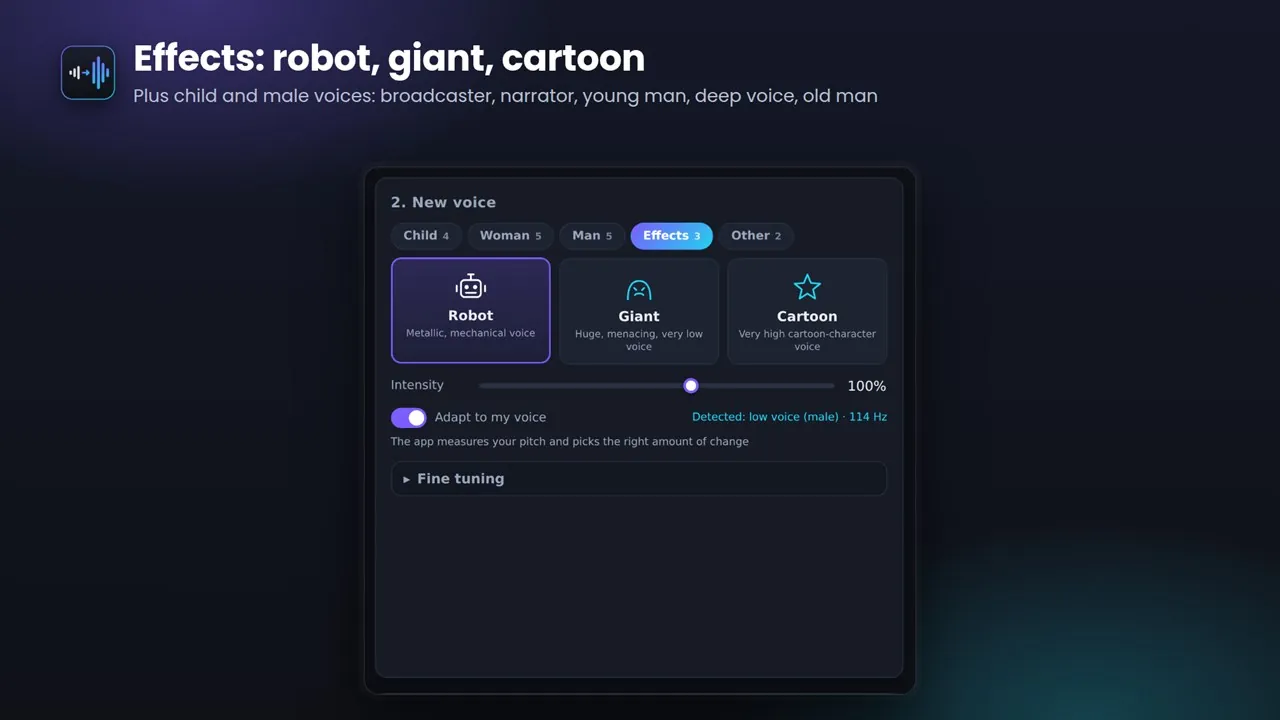
Choose from 19 voice styles in five groups: child (young child, child, girl, teen boy), woman (woman, young woman, female anchor, soft woman, elderly woman), man (broadcaster, narrator, young man, deep voice, old man), effects (robot, giant, cartoon), and Enhance or Custom for your own voice. VoxMorph measures the speaker's pitch and picks the right amount of change, so a man, a woman or a child all land on the same target voice, and an intensity slider sets how far to go.
Fine-tune pitch, resonance, breathiness, tremor, roughness, brightness, warmth, radio processing and compression, and save your own presets. Add background music that drops automatically while you speak and comes back between sentences, with an intro, an outro, a fade-out and automatic looping. Turn on live preview to hear the converted voice in your headphones as you speak.
Clean up recordings with noise reduction, a silence gate and loudness normalization to the standard video level. Trim the clip and save it as WAV, FLAC, M4A/AAC, OGG or WebM. Everything is processed on your device, with no account, no internet and no ads. The interface is in Arabic and English.
Key features
- 19 voice styles: child, woman and man voices, plus robot, giant and cartoon effects
- Adapts to your voice: measures your pitch and picks the right amount of change
- Background music that ducks while you speak, with intro, outro and fade-out
- Live preview in your headphones while you speak
- Record from the microphone or import audio and video files (MP3, WAV, M4A, OGG, FLAC, MP4, WebM)
- Fine tuning: pitch, resonance, breathiness, tremor, brightness, warmth, radio processing and compression
- Noise reduction, silence gate and loudness normalization (LUFS)
- Trim the clip and compare the original with the converted voice
- Save as WAV (16 or 24-bit), FLAC, M4A/AAC, OGG or WebM
- Works offline: audio never leaves your PC; no account, no ads
- Arabic and English interface
Who it's for
Video creators who want a different voice on their voice-overs while keeping their own words and pronunciation, in Arabic or any other language.