OmniInk Pro
OmniInk Pro turns your Windows PC, Surface or pen tablet into a whiteboard, notebook and annotation tool, with ink that feels like a real pen.

One-time purchase. Free trial available.
About OmniInk Pro
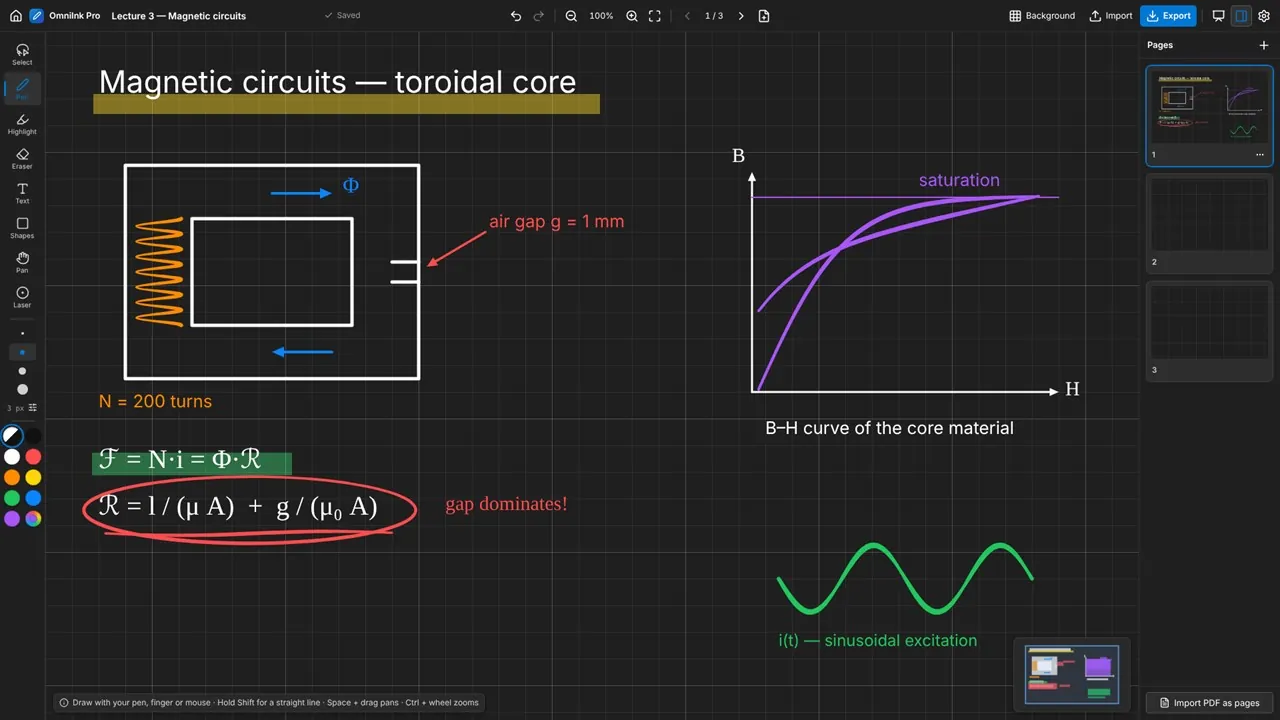
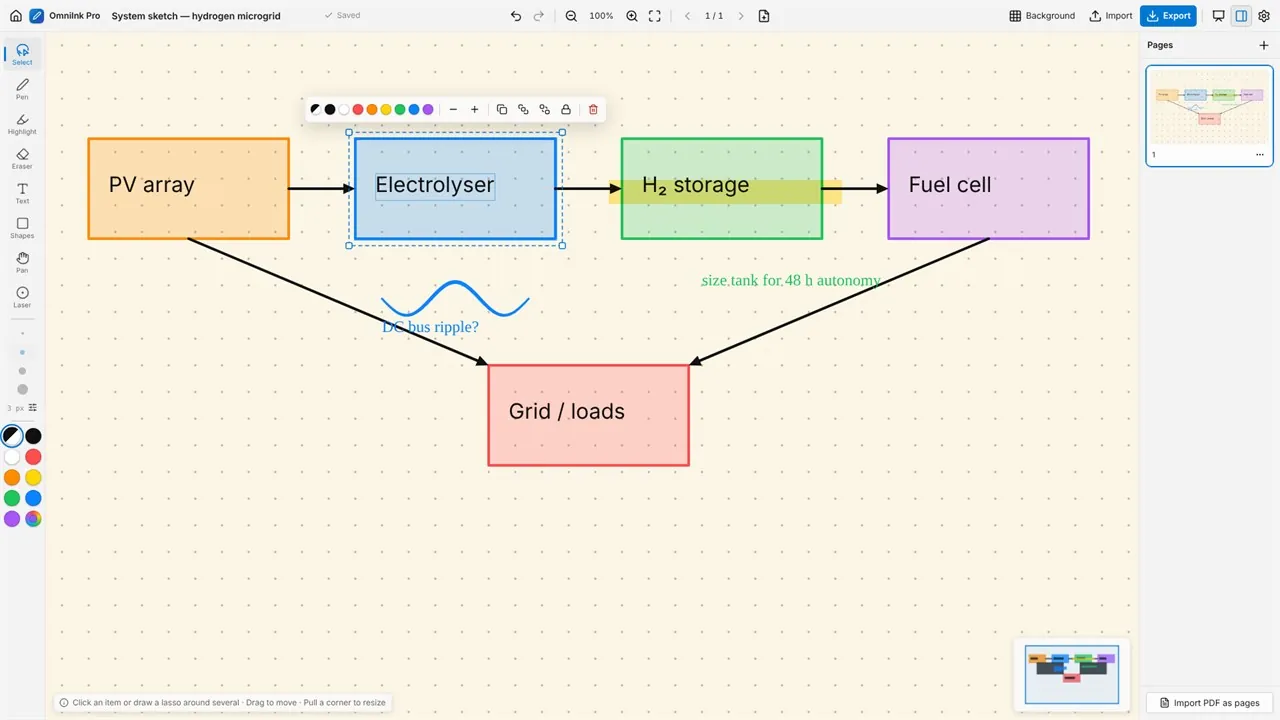
Strokes respond to pressure, with smoothing, palm rejection and a pen-only mode, and the eraser tip and barrel button of Surface Pen and other Windows Ink pens work as expected. Mouse and touch work too. You get a pen, a highlighter, a whole-stroke or partial eraser, lasso selection, lines, arrows, rectangles, ellipses, text in four styles and a laser pointer.
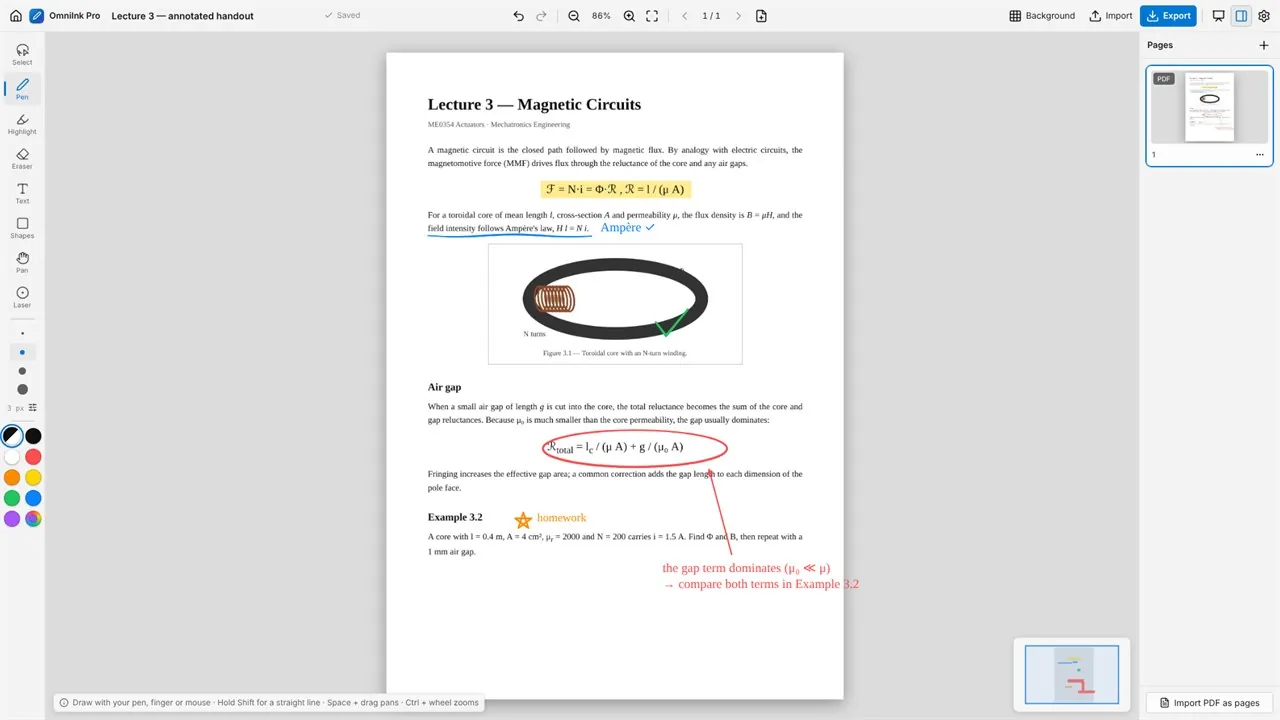
Work on an infinite canvas with pan, zoom and a minimap, and organize boards into pages with thumbnails. Drop in a screenshot or photo, or import a PDF so every page becomes a page you can mark up, then export the annotated document.
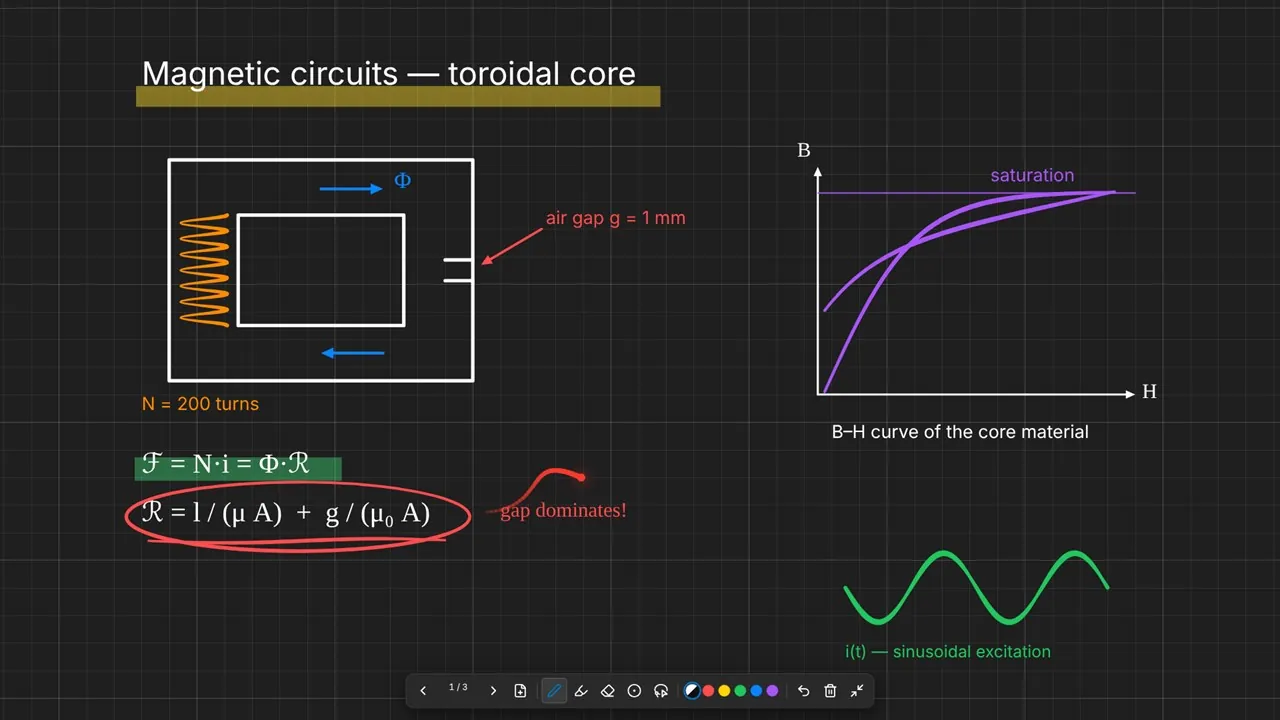
Present full-screen with a floating toolbar and laser pointer. Export a page or a whole board as PNG, JPEG, SVG or a multi-page PDF, copy a page straight into PowerPoint, Word or Teams, or share it with the Windows share sheet. Boards save automatically as you draw, and OmniInk Pro works fully offline, with no account and no cloud.
Key features
- Pressure-sensitive pen with smoothing, palm rejection and pen-only mode
- Highlighter, whole-stroke and partial eraser, and laser pointer
- Lasso selection: move, resize, recolor, duplicate, reorder and lock
- Lines, arrows, rectangles and ellipses; text in four styles
- Infinite canvas with pan, pinch and wheel zoom, and a minimap
- Pages with thumbnails: add, duplicate, reorder and delete
- Import images and PDFs, and annotate them
- Full-screen presentation mode with a floating toolbar
- Export PNG, JPEG, SVG or multi-page PDF; copy a page to the clipboard
- Grid, dots, lines or blank backgrounds in eight page colors
- Autosave, project files, backup and restore
- Works 100% offline: no account, no cloud, no tracking
Who it's for
Teachers and lecturers, people who present in meetings, and anyone who reviews documents, sketches ideas or takes handwritten notes.