
Sidenest
Planning a trip, hunting for a gift or researching a new hobby? You end up with 50 open tabs and a messy notes file. Sidenest fixes that with a slide-out panel on the edge of your screen that collects everything in one place.

One-time purchase. Free trial available.

About Sidenest
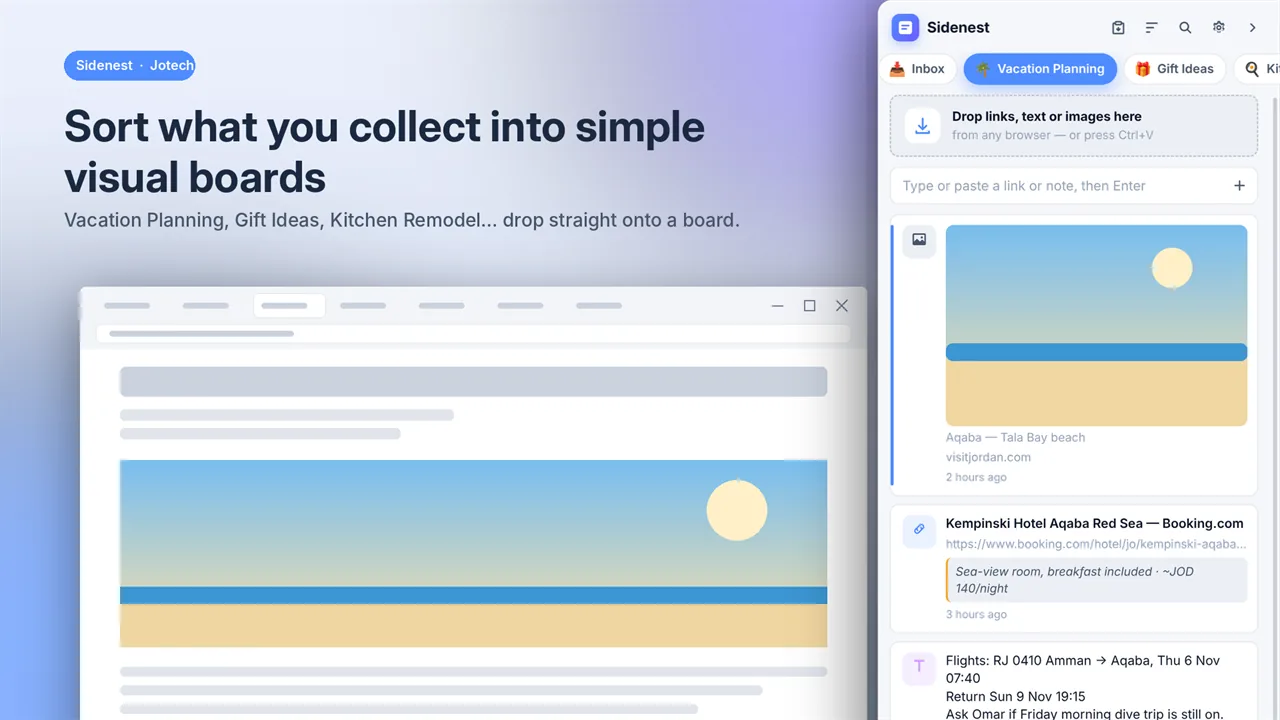
Drag any link, selected text or image from your browser onto the panel and it's saved instantly, or save whatever is on the clipboard with Ctrl+Shift+B. Sort what you collect into simple visual boards such as Vacation Planning, Gift Ideas or Kitchen Remodel, each with its own icon and colour.
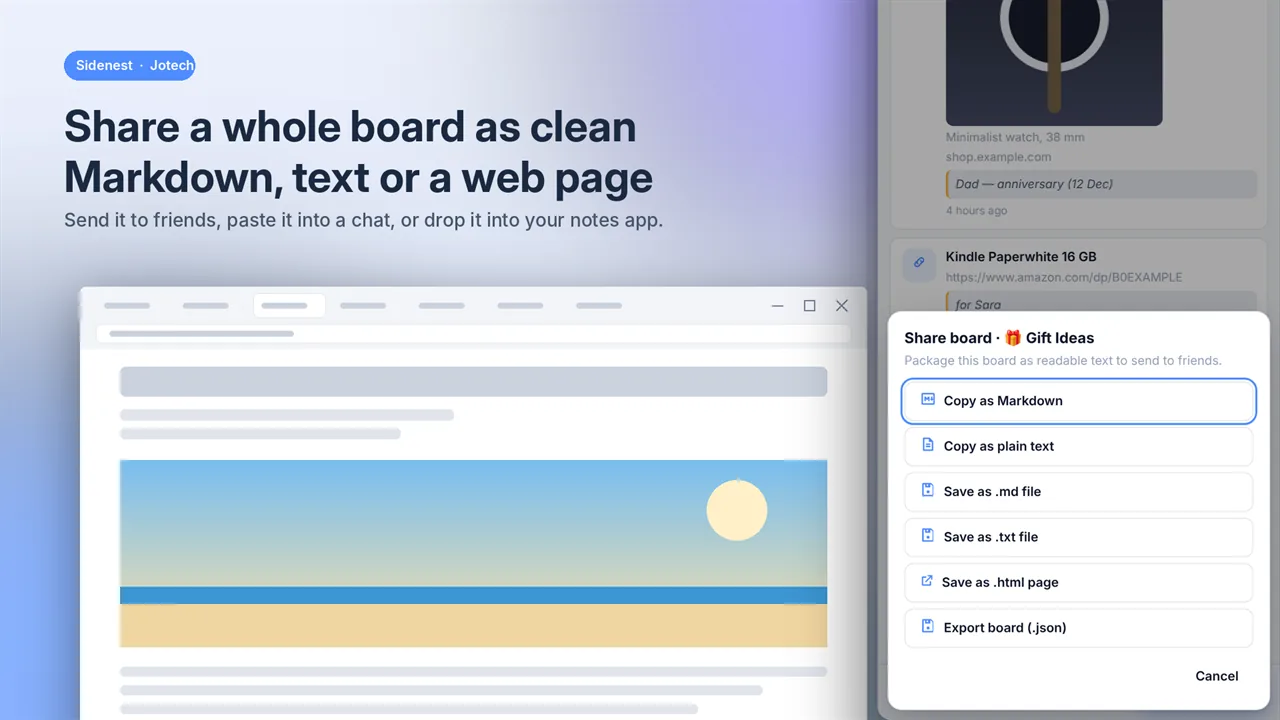
Add a note on why you saved something, pin the important items, and sort or search when a board grows. When you're ready, press Share: Sidenest packages the whole board as clean Markdown, plain text or a self-contained web page you can send to friends, paste into a chat or drop into your notes app.
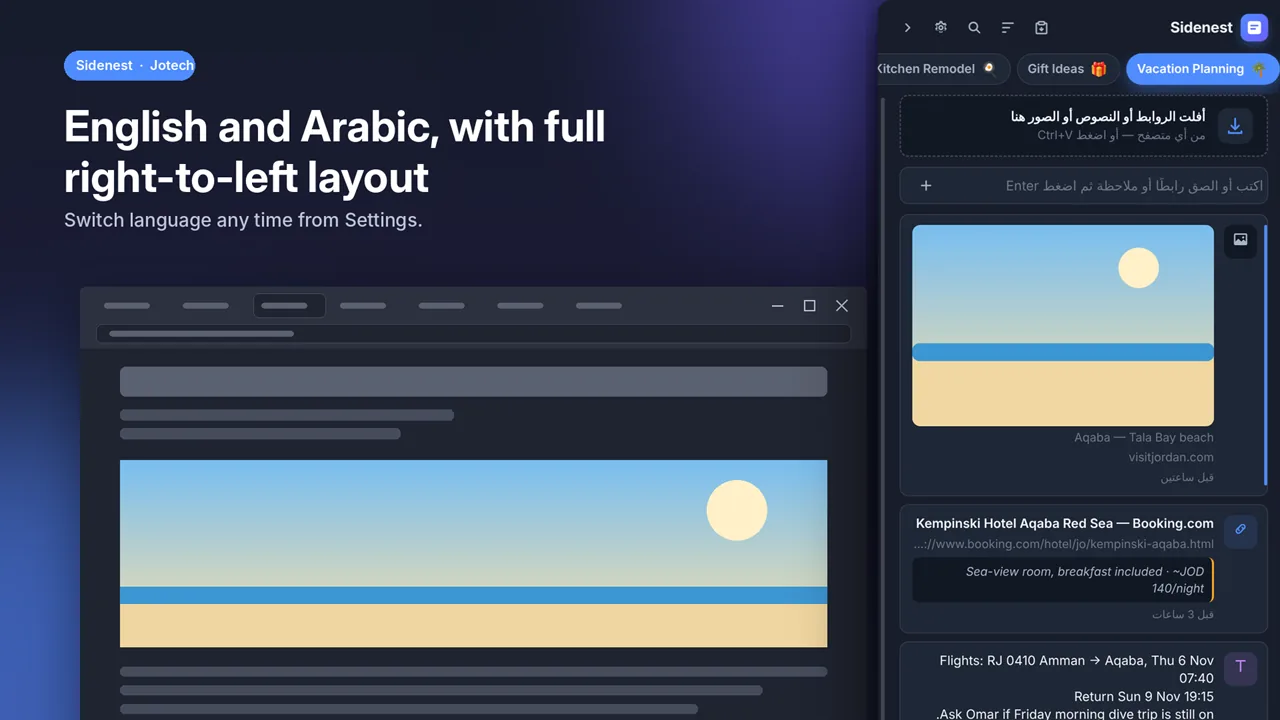
Sidenest stays out of the way until you need it. Deleted items go to the trash with Undo, automatic snapshots and full backup and restore keep your boards safe, and the data folder can live in OneDrive. It comes in light and dark themes and in English and Arabic with a right-to-left layout, with no account and no cloud.
Key features
- Slide-out panel on the edge of your screen
- Drag links, text and images from any browser
- Save the clipboard with one hotkey (Ctrl+Shift+B)
- Visual boards with icons and colours
- Notes, pins, sorting and search on every board
- Share a board as Markdown, plain text or a web page
- Trash with Undo and automatic snapshots
- Full backup and restore; the data folder works with OneDrive
- Light, dark and system themes
- English and Arabic with a right-to-left layout
Who it's for
Anyone who researches online, from trip planners and gift hunters to students and professionals collecting sources, and wants it all in one tidy place instead of dozens of tabs.